
How do I search for auctions or items?
The search bar at maxsold.com allows you to quickly find auctions and specific items near you. 
Follow these steps to use this feature:
- Click the Location bar with the Pin icon.

The Location Search Bar will appear underneath. Enter your City, State/Province or Zip/Postal Code into the field.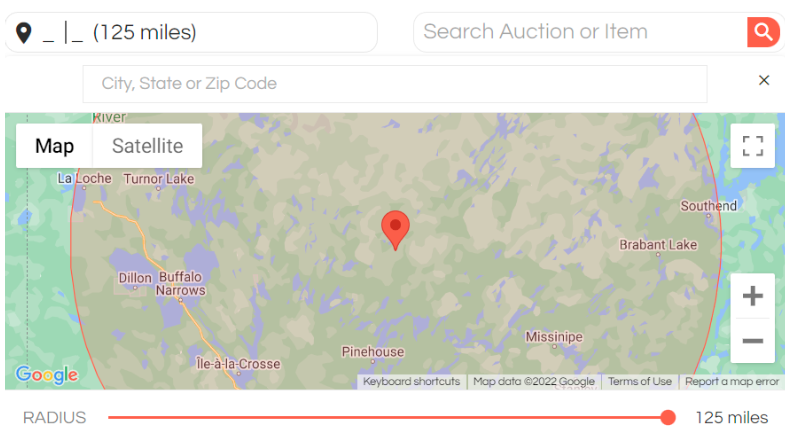
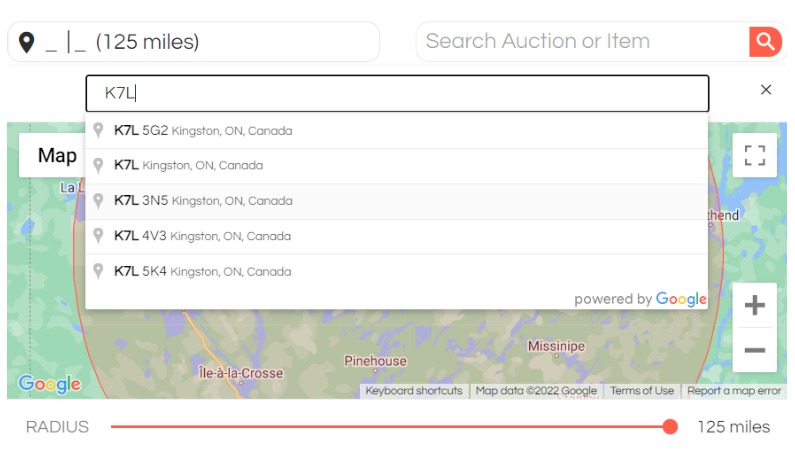
- Under the map, click and drag the red dot along the red horizontal line, or simply click along the horizontal
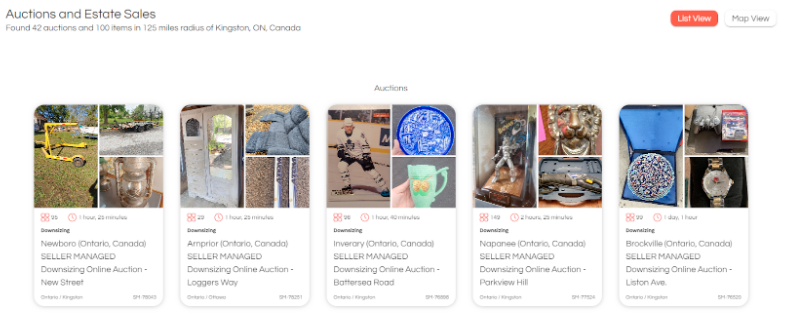
line to select the maximum distance for which you would like to see results. The distance can be adjusted between 5 and 125 miles. - You will be presented with a list of all auctions within the selected distance of your selected location.
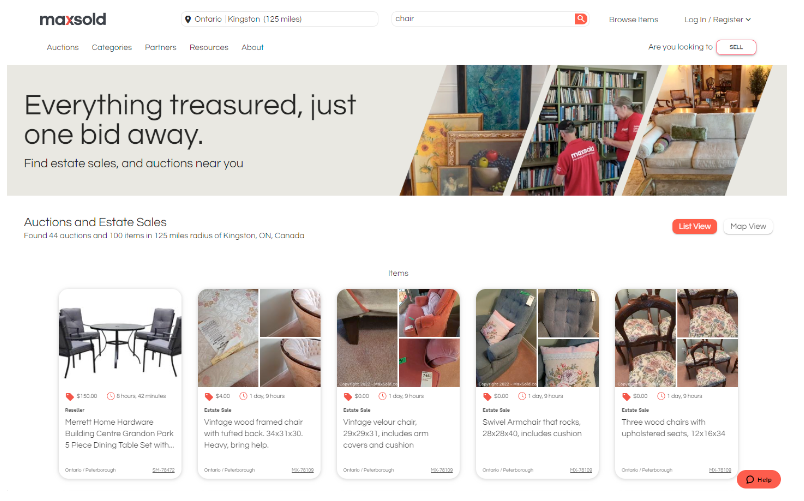
- To find specific items in auctions near you, simply include the item or keyword you are interested in in the Search field.
Auctions